I'm the office administrator for a 12-person oral surgery practice. That means I manage the purchasing side of implants, prosthetics, and surgical supplies—roughly $180,000 a year across eight vendors. My job isn't glamorous. It's making sure the surgeon has what he or she needs, and that finance doesn't bounce an invoice because the vendor's paperwork is a mess.
Over the past five years, I've watched dentistry move from paper catalogs and phone calls to web portals and digital design. Some vendors push digital hard. Some clinicians resist it. So I want to compare the traditional way with the digital way—not from a marketing deck, but from the admin side of the desk.
Why Compare Digital and Traditional Dental Purchasing?
The real question is whether digital workflows actually save time, reduce errors, and lower costs. Or are they just a vendor strategy to lock you in?
I'm a supporter of efficiency. But I've also been burned by a "simple online portal" that was slower than dialing a phone. So let's compare three areas:
- Ordering: Straumann web order vs. calling your rep.
- Equipment: Reading the Straumann Surgical Motor Pro manual vs. figuring it out as you go.
- Restorative workflow: dental CAD/CAM vs. analog impressions.
One conclusion before we start: the digital option usually wins, but sometimes for reasons you don't anticipate.
Straumann Web Order vs. Calling In Orders: The Reliability Factor
When I took over purchasing in 2020, almost every order was placed by phone. You'd call the rep, read the item number, wait while they checked stock, and hope they typed it correctly. If you order a Bone Level Tapered implant and say "BLT" fast, it can sound like "Bone Level Tapered." It's exactly how mistakes happen.
Moving to Straumann web order didn't feel faster at first. We had to set up accounts, add approval rules, learn the navigation. But here's something vendors won't tell you: the real benefit isn't speed—it's traceability. Every order is in the system, with order numbers and confirmations that don't live in someone's inbox. That has saved us from the "we never received it" conversation more times than I can count.
Everything I'd read about online ordering said it would cut our ordering time. In practice, it took longer per order at the beginning. The portal has a bit of a learning curve. But once we were used to it, the follow-up calls disappeared. We used to spend 10 minutes on the phone, then 15 minutes verifying the order or chasing a faxed confirmation. Now it's 20 minutes in the portal, with fewer errors. Our accounting team also prefers it—the invoices match the POs, which means fewer rejected expenses.
The old phone method isn't useless. For an emergency order or a tricky backorder, a quick call still beats an email ticket. But for routine purchases, web ordering is more reliable, even if it isn't always faster at the moment you place the order.
Straumann Surgical Motor Pro Manual: Reading It Is the Real Efficiency Hack
We bought a Straumann Surgical Motor Pro last year. The box included a thick manual. My first thought was, "I'll hand this to the clinical lead and they'll figure it out." That's actually a mistake I don't want you to make.
The Surgical Motor Pro manual isn't only for surgeons. It contains torque limits, handpiece maintenance, and sterilization guidelines. Per ISO 17664 (iso.org), manufacturers have to provide validated reprocessing instructions. That manual is the source for how your dental autoclave should be loaded and programmed for that specific handpiece.
Why does this matter to an office administrator? Because an audit is not the time to realize your sterilization logs don't match your device records. We had a close call with a different device a few years ago. Our autoclave cycles were logged, but we couldn't prove which handpiece was processed together. The manufacturer's instructions for that device weren't even on file. We fixed it before anything official happened, but it was stressful. Now I make sure every surgical motor manual is stored in our compliance binder before the device goes into service.
Oh, and one more thing: the autoclave itself needs preventive maintenance. It's not enough to press "start." You need daily cleaning, weekly spore tests, and a record of every cycle. Pair that with the motor manual's instructions, and you have a defensible process.
Even the small stuff matters. Dental sealant for screw access holes has an expiration date and a storage temperature range. When I order a batch, I rotate stock and verify expiration dates. It sounds basic, but it's the kind of detail that prevents a failed case later.
So the comparison is: read the manual for an hour now vs. deal with a maintenance problem or a failed audit later. The second option is a lot more expensive.
What Is Dental CAD/CAM? Digital Workflows vs. the Old Analog Way
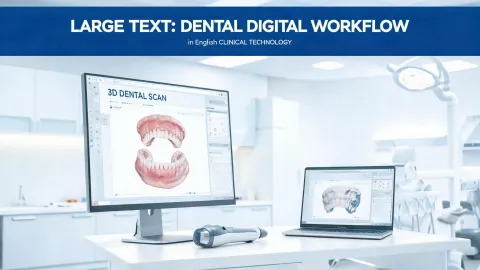
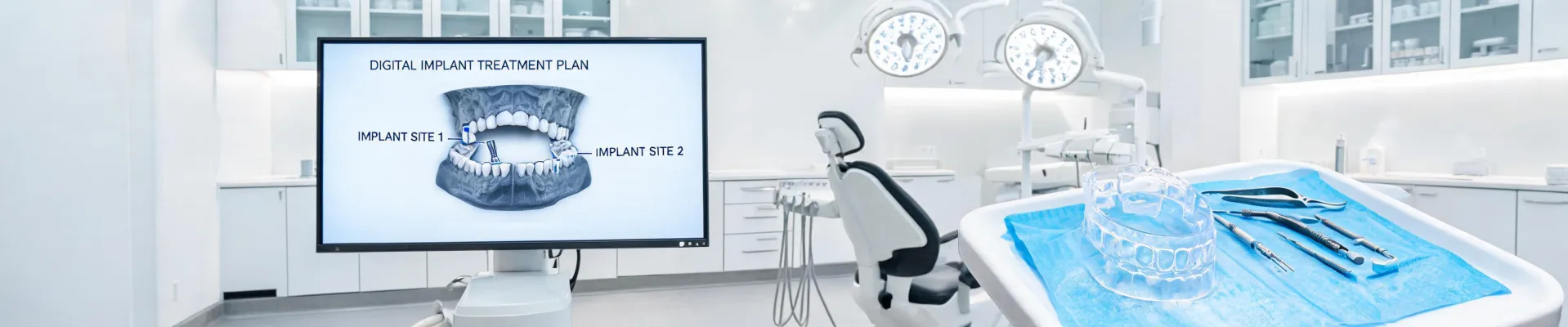
If you're not sure what dental CAD/CAM is, you're not alone. It stands for computer-aided design and computer-aided manufacturing. In our world, it usually means scanning the implant site, designing the crown or bridge on a screen, and then milling it from a ceramic block. It also covers surgical guides for placing implants in a planned position. According to the ADA (ada.org), chairside CAD/CAM can often produce a restoration in a single appointment.
I remember the old workflow: take a physical impression, pour it in stone, wait for the lab to make a model, then wait more for the final restoration. Turnaround was usually 5 to 7 days—or rather, 7 to 10 days when the lab was busy. Every remake meant another impression and another week.
The digital workflow cuts most of that. The intraoral scan goes directly to the design software. If the practice has a chairside milling unit, a crown can be designed and milled in a single appointment. If not, the digital file goes to a lab, which reduces shipping time and avoids the physical model being damaged in transit.
The old belief that "digital is expensive" comes from a time when scanners cost six figures and the workflow was experimental. That has changed. The cost of entry is much lower, and the time savings are predictable. In our practice, digital cases also have fewer remakes, which lowers our lab bills.
But I do not want to oversell it. Analog impressions still work well for some situations, especially with complicated soft tissue or very aesthetic cases. The point is not to replace everything. It's to recognize when the digital route saves time and when it's just an extra step.
So Which Approach Should You Choose?
Here's my practical advice, five years and thousands of orders in:
- Use Straumann web order for standard implant and prosthetic orders. The audit trail is worth it. Keep a phone number for unusual cases.
- Read the manual—for the Surgical Motor Pro or any other device. Store it, follow it, and make sure your autoclave logs match the manufacturer's requirements.
- Learn dental CAD/CAM if you haven't already. You don't have to use it for every case, but it's becoming the baseline for efficient implant workflows.
Efficiency is a competitive advantage. It reduces errors, saves time, and keeps your team focused on patient care. But the goal isn't to be digital for digital's sake. It's to choose the approach that gives your practice the best outcome with the fewest headaches.
As of February 2025, Straumann's web ordering platform and product documentation are available from Straumann's official site. Pricing varies by region and distributor, so verify current rates before making budget decisions.